Air60 V2
The PNG quick guide covers system switching, VIA configuration and the FN + Q / W / E / R wireless channels.
File PNG quick guide
Open the official NuPhy manual for each model, choose LP or HP and ANSI, ISO or JIS, and find the NuPhyIO or VIA setup that matches your keyboard.
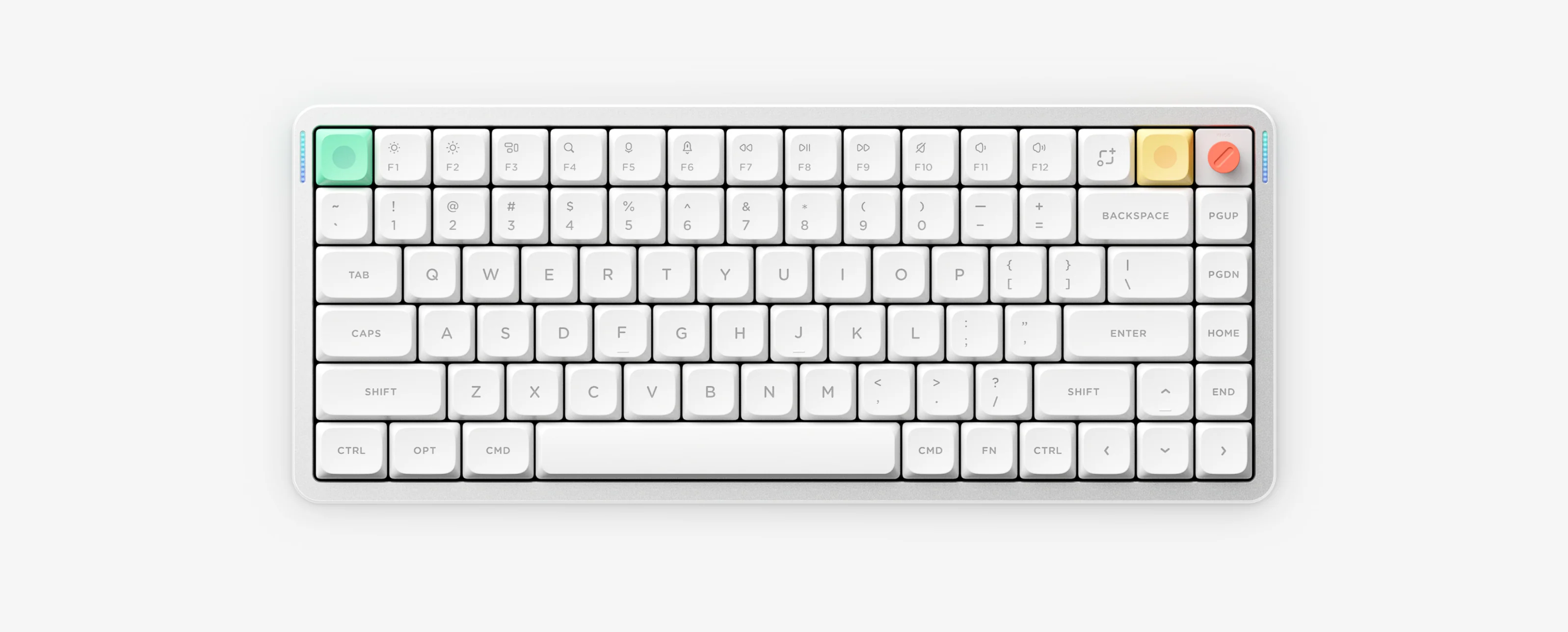
NuPhy publishes a separate manual for each model, profile and key layout. Match all three before you download a file or open a configuration tool.
For backlight, battery, pairing and reset steps shared by the Air series, use the shortcut guide. Shortcut guide
The PNG quick guide covers system switching, VIA configuration and the FN + Q / W / E / R wireless channels.
File PNG quick guide
The PNG quick guide covers the wired magnetic-switch setup and the Mac, Win and Gaming modes configured in NuPhyIO.
File PNG quick guide
The PNG quick guide covers the FN + 1 / 2 / 3 / 4 channels plus the lighting, sleep and reset shortcuts shared by the 75% Air series.
File PNG quick guide
The PDF quick guide covers the 75% ANSI layout; ISO and JIS owners should take the matching manual from the official center.
File PDF guide
The PNG quick guide covers the 96% layout with the same channel keys and lighting shortcuts as Air75 V2.
File PNG quick guide
The PDF guide covers Node75 Low-Profile only. Node75 High-Profile owners should use the official manual center.
File PDF guide
NuPhyIO hosts the Node100 manual separately for LP and HP and for each key layout.
File Official manual center
Six models have a local PNG or PDF guide linked on this page, and Node100 is hosted in the official NuPhyIO manual center.
Check the label on the keyboard or packaging. ANSI, ISO and JIS layouts each have a separate manual for Air75 V3 and Node100.
Air60 V2, Air75 V2 and Air96 V2 use VIA, while Air60 HE, Air75 V3, Node75 and Node100 use NuPhyIO.
The official NuPhy manual directory does not list an Air60 V3. Check whether the keyboard is Air60 V2, Air60 HE or another model before following any manual.


